ModernGlance 2 available now with more than 30 changes! – A screensaver that simulates Glance, more than a screensaver
Hi, I’ve finally released ModernGlance 2! More than a screensaver!
ModernGlance 2 announcement video:
Changelog:
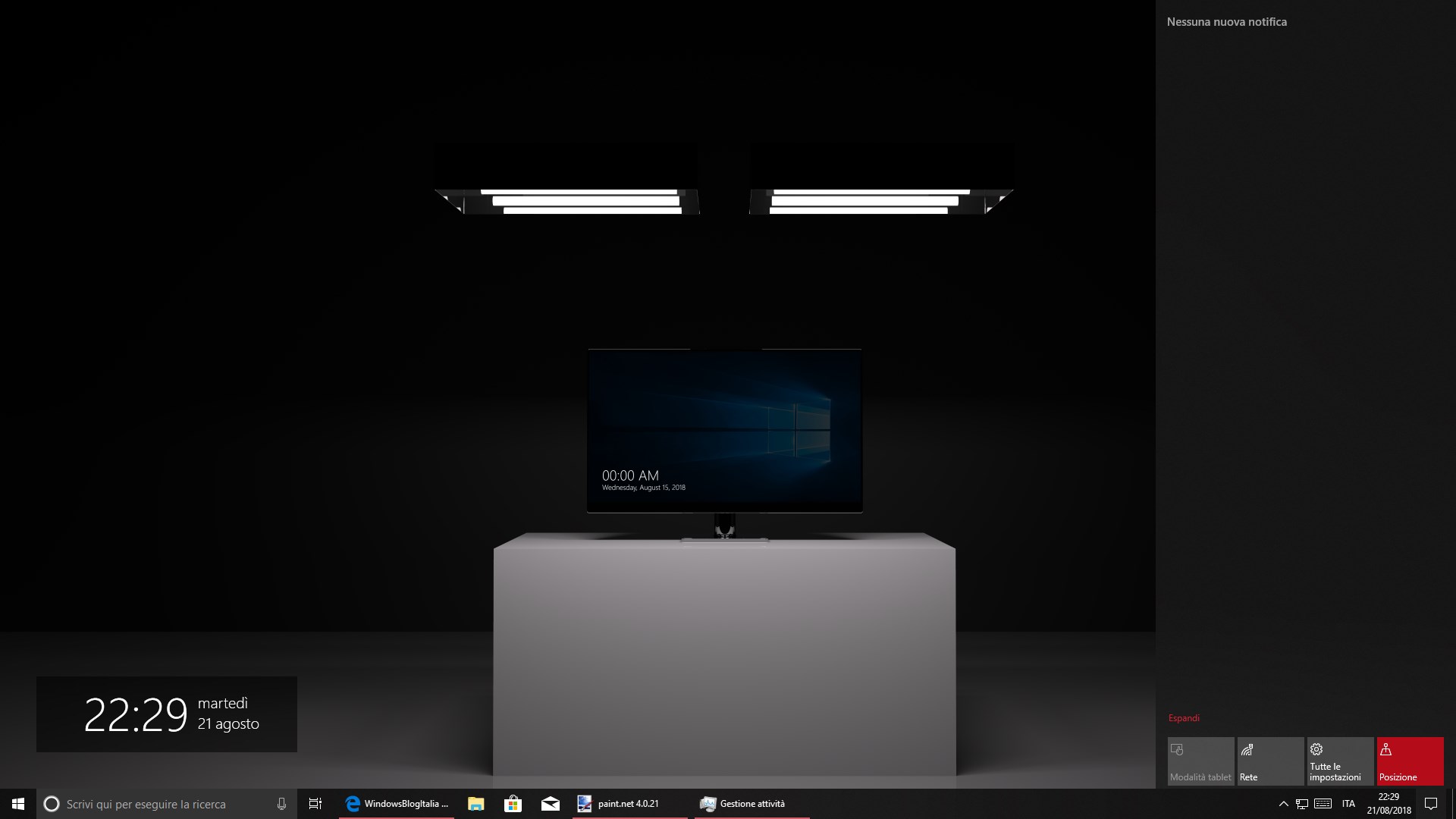
- Date and time on Action Center.
If you open the Action Center, a small popup with the current date and time will appear, similar to the charms bar included in Windows 8.
- Better user inactivity recognition, now on par with classic Windows Screensavers.
- Dynamic date and time position.
This option was made to add some animations and to reduce burn-in on organic displays.
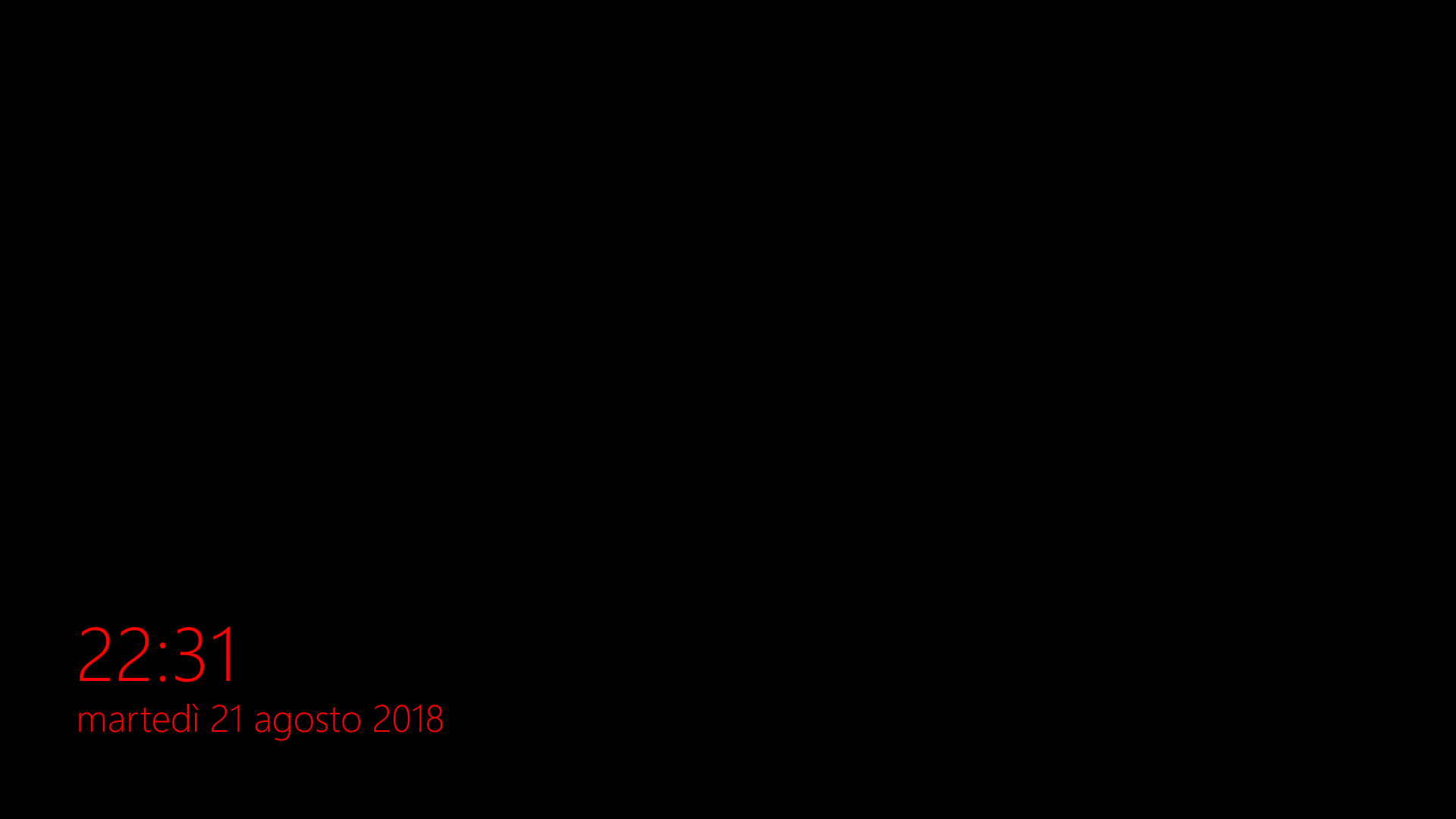
- Night mode.
Just like Lumia Glance. It’s possible to choose a different color.
- Brightness reduction.
While Glance is visible, the display brightness will be reduced. (working only on supported devices). - An option will show the Action Center while Glance is open.
- Support for multiple monitors.
- Battery status and percentage will be show under the date on supported devices.
- New interface, with more animations and fluent design elements.
- It’s possible to set a key combination for opening Glance manually.
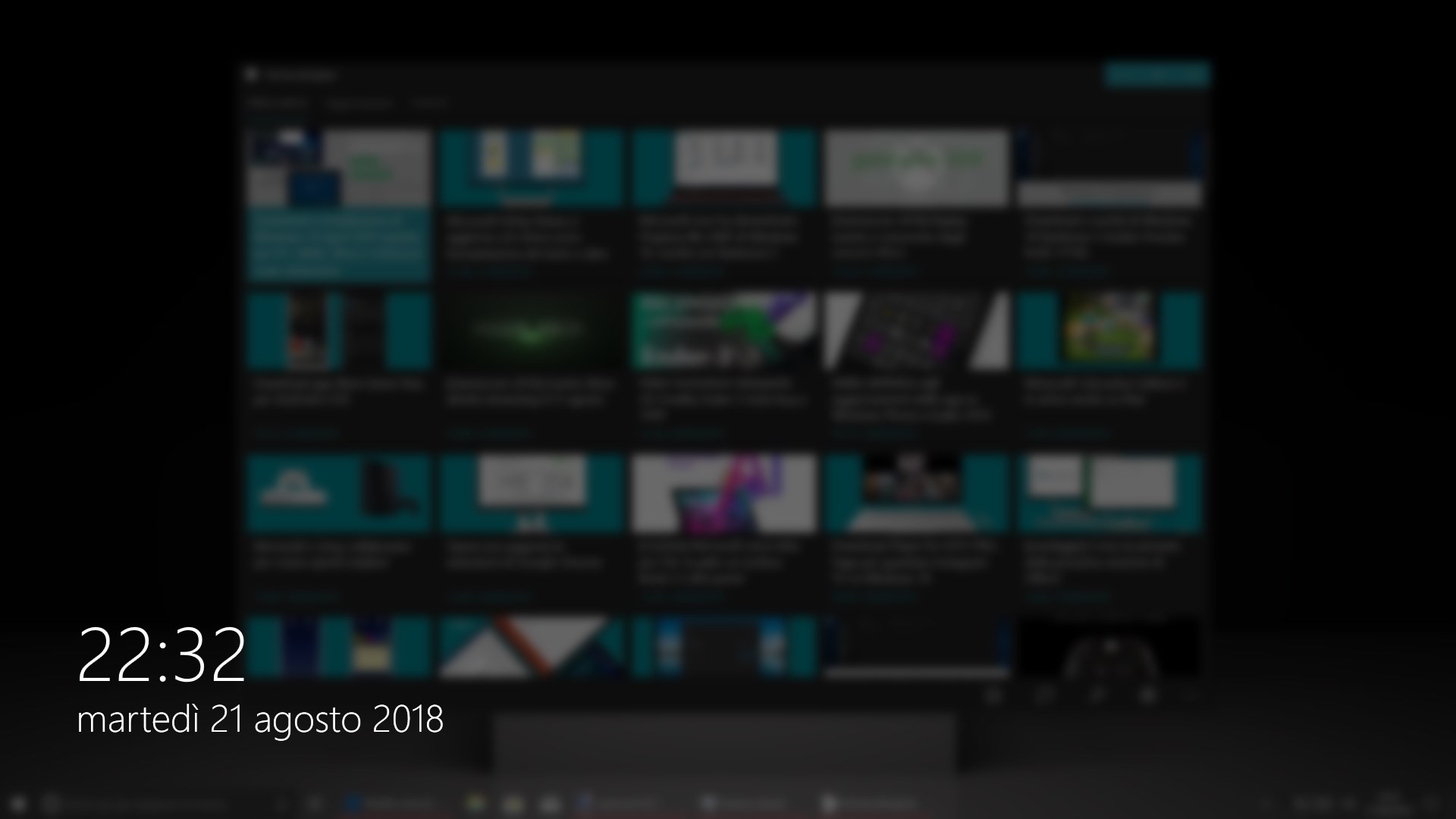
- Semi-transparent and blurred background available for Glance.
- Better performance and stability for the icon inside tray area.
- It’s possible to show a notification before Glance appears.
- Choose date and time color, opacity, alignment and position.
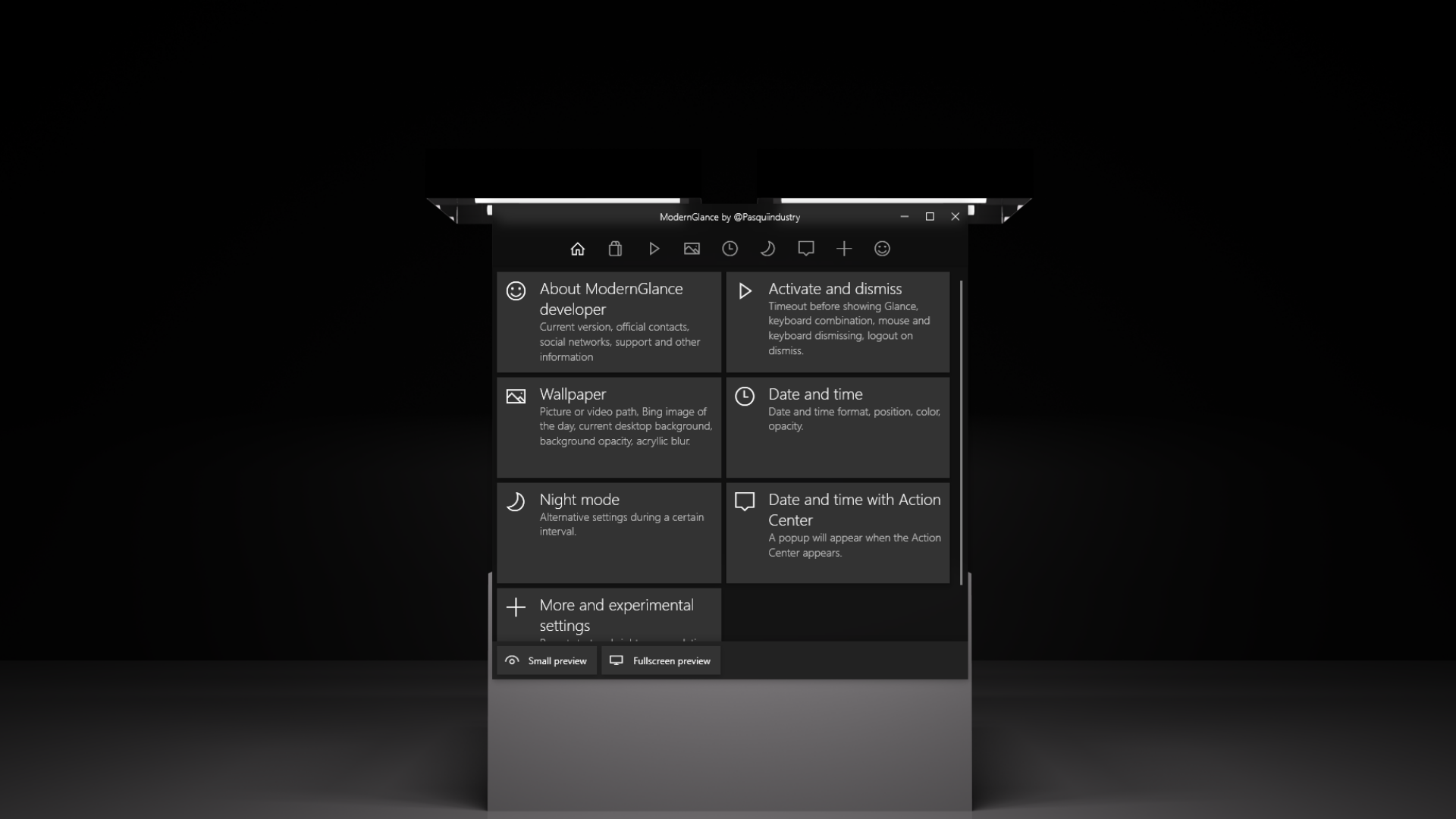
- New preview modes inside the settings window. Now it’s possible to show a small preview inside the app or launch a fullscreen preview.
- The app has new new resources and icons.
- A notification will show to users where the app is placed while it’s in background.
- If an user opens the app while it’s already open, the settings window will appear.
- A new and more stable first time window was added.
- A wrong message was shown while disabiling automatic startup.
- Way less RAM and CPU impact.
- It’s possible to not show any background from the background selection instead of the effect selection. This option is now called “no background” instead of “black background” to reflect other changes.
- Better default settings for most of the settings.
The app is available for free with in-app purchases for:
- Video loop as background
- Lock the PC after Glance gets dismissed.